
REMINDER:
Program reminds user that there is a deposit in process that has not been added to the Ledger.
User must select the Continue button to move forward.
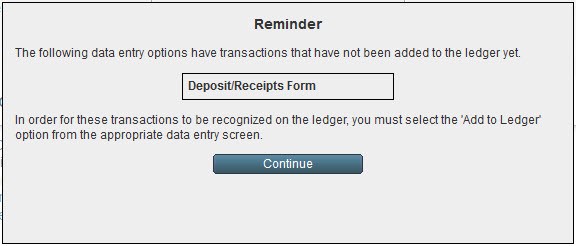
User may address the outstanding deposit immediately, or at a later time.
Deposit in Process
In order for these transactions to be recognized on the Ledger, user must go to Deposit/Receipts module.
Select Add to Ledger button.
No Deposit in Process
Go to Deposit/Receipts module.
1. Click on Currency button.
Select the non-default currency, if user is in the Canada-CAD currency, select the USA-USD currency
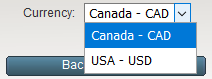
Select Back To Deposit button.
2. There may be a blank form in process.
Click Forms button.
Select Delete Form from the drop-down list.