Introduction
Capturing daily transaction records in SchoolCash is an essential way to maintain transparency and ensure clean audits. To support this, the system now allows users to add more information when completing checks, deposits, and transfers in SchoolCash Accounting.
New Attachment Function
The new attachment function allows users to attach up to two files (maximum 25 MB each), including statements, invoices, or images, to any check, deposit, or transfer within the current fiscal year. This helps schools by:
- Improving visibility of transaction records
- Centralizing important financial information
- Reducing preparation time for audits
How to Use the Attachment Feature
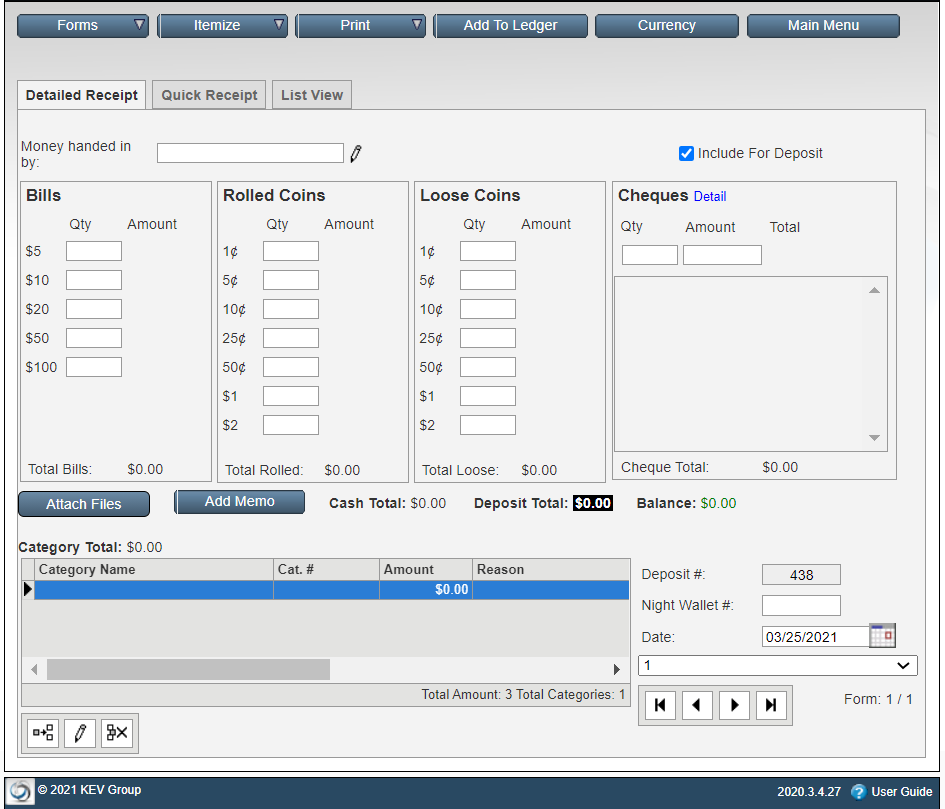
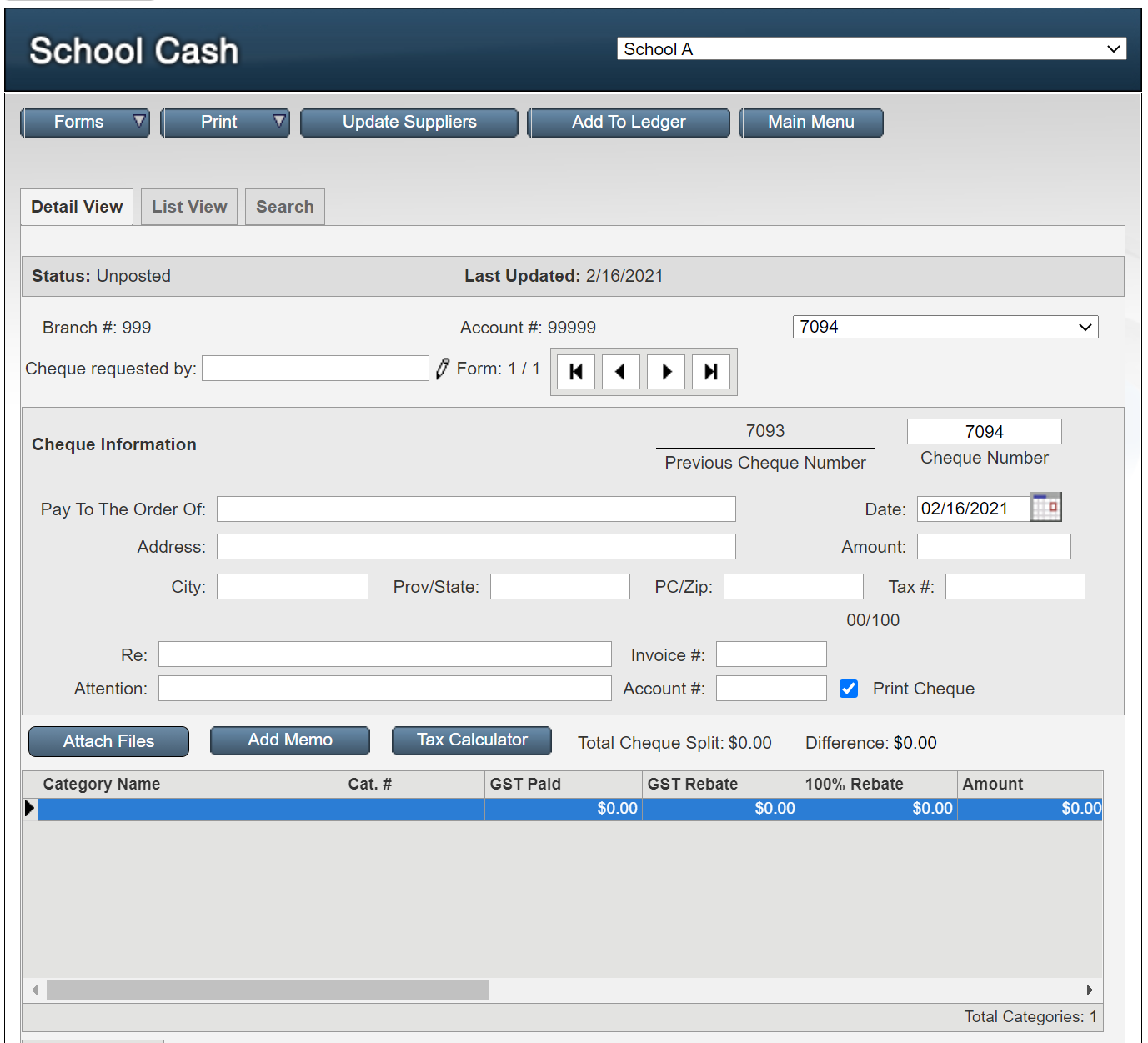
In SchoolCash Accounting, the Check, Deposit, and Transfer windows now include an Attach Files button. Here’s where to find it when processing checks and deposits:
For transfers between categories, the Attach Files button is located here:
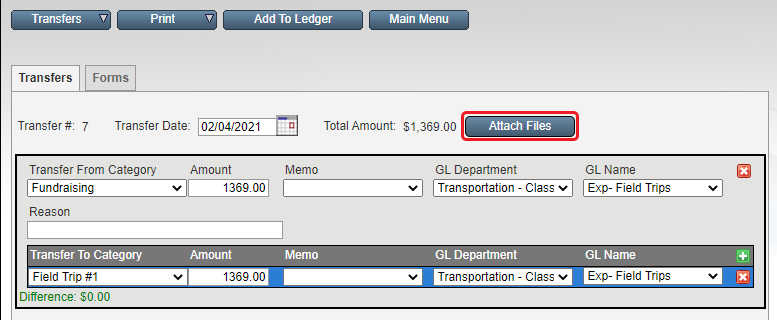
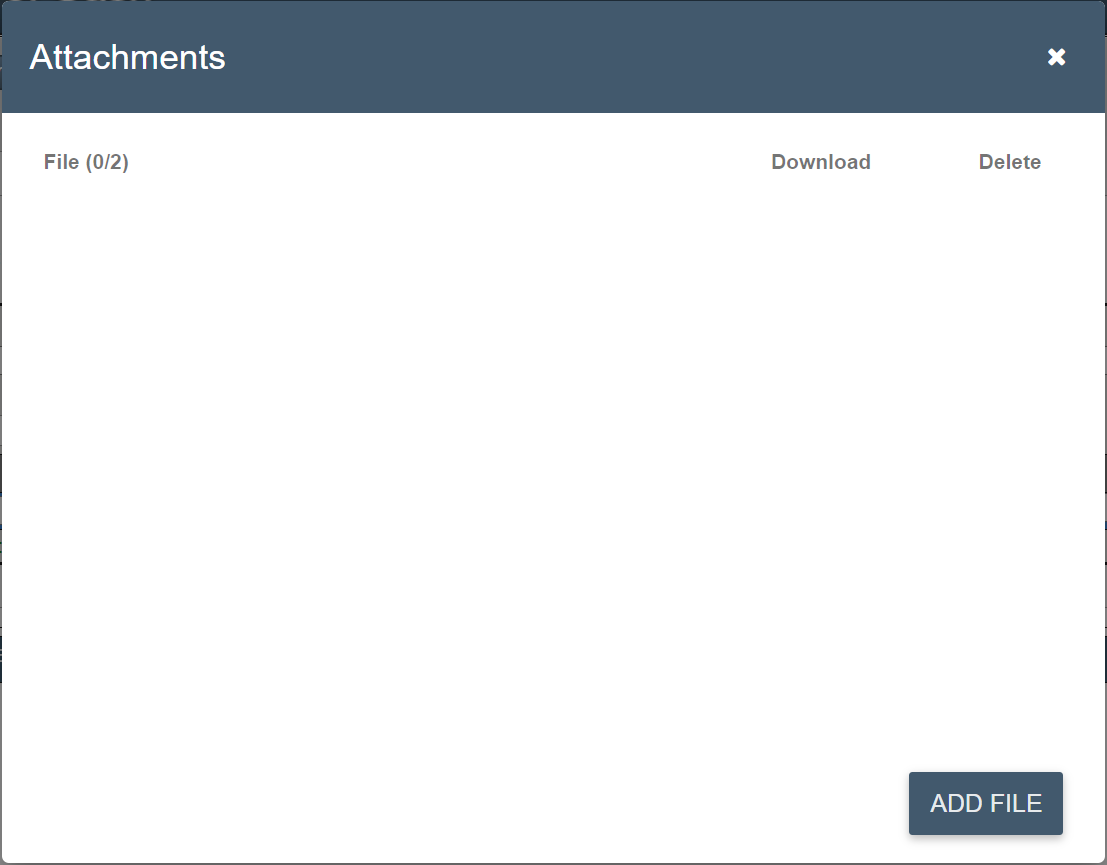
Adding an Attachment
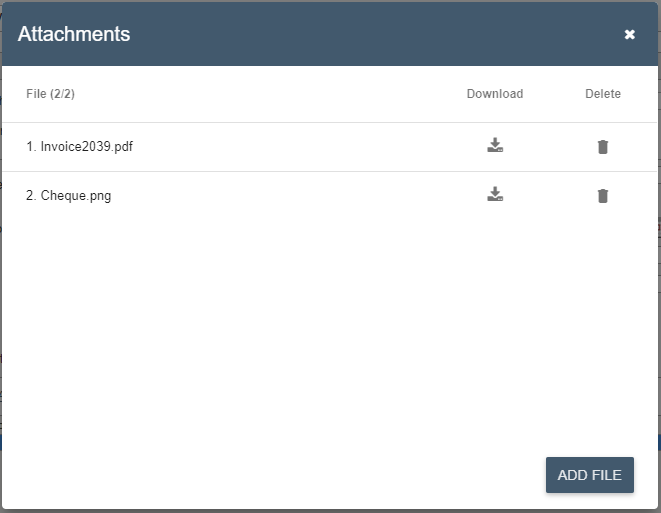
Clicking the Attach Files button opens a pop-up window where users can:
- Add files
- View existing attachments
- Delete attached files
Viewing Attached Files
Once a file is attached, the Attach Files button changes to a link showing the number of attached files.
Clicking the link opens the file attachment pop-up, allowing users to add more files, download attachments, or delete files.
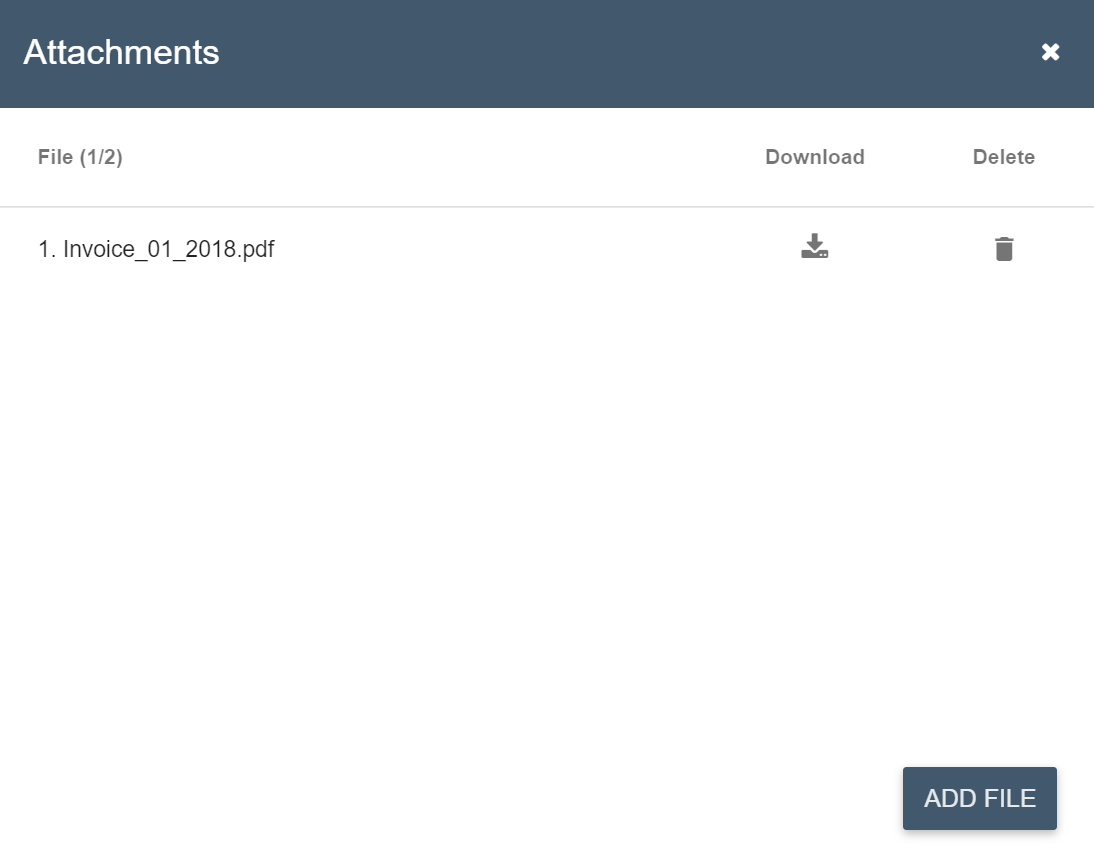
Managing Attachments
Users can also download or delete attachments from checks, deposits, and transfers.
In the List View, a paperclip icon in the Files column indicates whether a transaction has attachments.
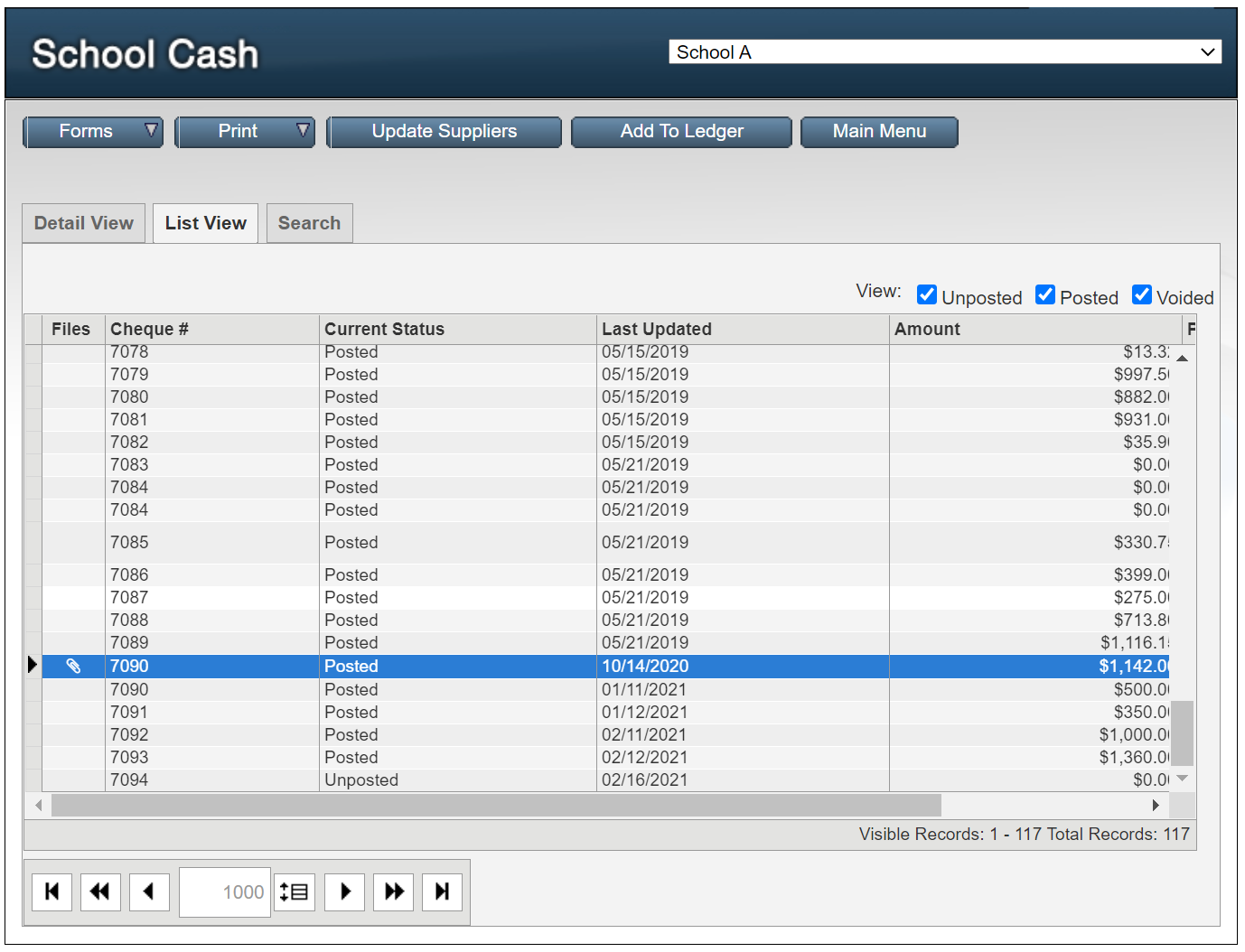
Selecting Detailed View for a check, deposit, or transfer opens the attachment pop-up, where users can add new files or manage existing ones.